In a previous article about the format of information architecture work, I mentioned there are different types of information architecture (IA) work: in-page IA, CMS IA, front-end website IA, back-end IA, product IA, and LLM IA.
Today’s article will cover the what, why, and how of content management system (CMS) IA.
In this article:
What is a content management system (CMS)?
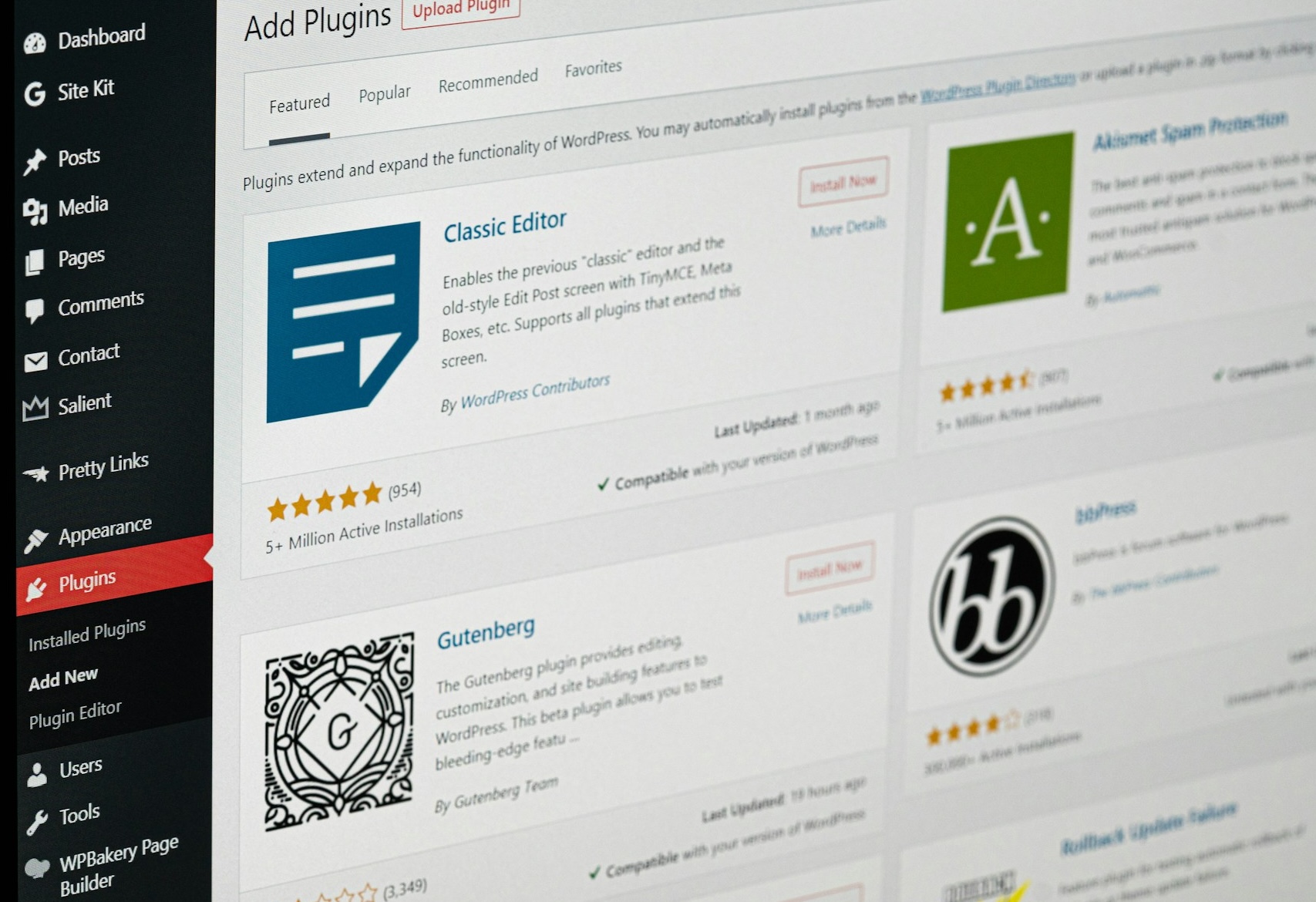
A content management system (CMS) is a software used to create, publish, and edit digital content.
Common CMS include WordPress, Shopify, HubSpot, Adobe Experience Manager, Ghost, and Sitecore.
Buying content management systems (CMSs) is an alternative to:
- building your own CMS, which requires a significant initial investment and ongoing maintenance
- developers directly publishing or editing content through code (no CMS, no graphical user interface).
Benefits of CMS information architecture
Over 43% of all websites use WordPress, and WordPress powers more than 60% of content management system-based websites (CMSs).
Companies prefer pre-built CMSs because they:
- simplify content management
- provide more control
- save time
- cost less to maintain
CMS information architecture is the practice of structuring information in a content management system, which involves restructuring the navigation bar, the toolbar, and content sections to improve the authoring experience.
I’ve worked on various CMS information architecture projects, which I find both engaging and fulfilling as a systems thinker.
Digital touchpoints shouldn’t exist in a vacuum, as they often do, but function together as part of an interconnected ecosystem. Helping establish consistency across different touchpoints—CMS, website, chatbot, client portal, support site, mobile app—positively influences user experience and overall client satisfaction.
Investing in a well-designed information architecture for your CMS offers several benefits:
- improved experience for the people who bring your content to life (usually ContentOps or website content managers)
- reduced time for content publishing and editing
- improved publishing workflow using rules and permissions strategically
- increased trustworthiness through consistency
- reduced onboarding time for new employees
The sometimes contradicting goals of a CMS overhaul
Each client and IA project has different goals, which is why it’s important to understand stakeholder goals and user needs before diving into sketches.
People involved in CMS redesigns sometimes have contradicting goals.
User goals in CMS redesigns
For CMSs, many users describe pains related to grouping items, referencing sources, and review status.
- Clearer admin interface
- Implementing nested categorization to reduce the need for manual tagging
- Displaying items within specific timeframes
- Accommodating authors’ preferences regarding the order in which names are listed, as opposed to the current arrangement (alphabetical)
Stakeholder goals in CMS redesigns
- Reduce the time it takes admins to create or edit content
- Reduce costs
- Maximise content efficiency
- An improved publishing workflow between copywriters, sales, optimization analysts, designers, marketers, and developers, with clearly laid out steps and authorizations in the CMS that minimize back-and-forths
However, some stakeholders don’t fully recognize the time and effort involved in the publishing process, and have unreasonable expectations based on the team’s size and responsibilities.
This underscores the importance of understanding everyone’s needs in the development of an effective CMS solution.

How to improve your content management system with information architecture
1. Define goals
A clear definition of success sets us up for success and ensures we’re not spending time or energy on initiatives that won’t move the needle.

2. Identify the highest-impact publishing workflows
CMSs may encompass various roles, multiple workflows, and diverse content types. You can’t—and shouldn’t—change the entire CMS in one go. Work with stakeholders to identify the most impactful workflows, those with the highest usage and greatest potential for improvement.

3. Request a walkthrough of common publishing workflows
Asking the question “What needs to happen for X to go live?” and being walked through the process helps us better understand the publishing process, builds empathy, and ensures we’re not missing crucial aspects of the collaboration that happens outside the CMS.
The walkthrough helps expose vulnerabilities (a team member whose departure would leave the team unable to upload media) and workarounds (their manager can’t access drafts, so they need to send screenshots or arrange a meeting to review posts).
4. Design a new workflow diagram specifying roles, actions, and content types
Diagrams are concise visual representations of data, facilitating understanding and interpretation. Diagrams are a great way to build alignment between stakeholders and users.
Clearly outlining who does what when, while labeling system actions, offline processes, and decisions needed, helps achieve a streamlined publishing experience.
5. Design the new CMS information architecture
Redesign the navigation bar, toolbar, and content sections based on the workflow diagram. The redesign should focus on simplifying language, navigation, and processes, and applying effective information architecture principles.
6. Test and iterate!
In the context of a university, an email notification system can be established to communicate time-sensitive information. Editors would receive email alerts as deadlines approach to ensure that the website contains accurate information for current and upcoming students.

I recall a client who had 52 editors! As you can imagine, even small improvements can have a significant business impact when implemented across such a large group.
Internal users also deserve a high-quality user experience
To design a sustainable, successful CMS, understanding user needs and the current state is crucial.
Investing in a well-structured information architecture for your CMS provides numerous advantages, including enhanced author experience, streamlined publishing and editing processes, reduced onboarding time for new employees, and increased consistency, ultimately contributing to greater trustworthiness.
When you uplift those who bring your content to life—your marketing team, ContentOps folks, and website content managers—you nurture the very soul of your brand’s story.
AI Policy: I personally write each draft and final copy on this website. All content reflects my own thinking, ideas, style, and craft. I do not use AI such as ChatGPT or other LLMs to generate articles. Occasionally, I ask AI (such as Formalizer or Equativ) to summarize or re-state my own ideas and may restructure sections based on the response.